
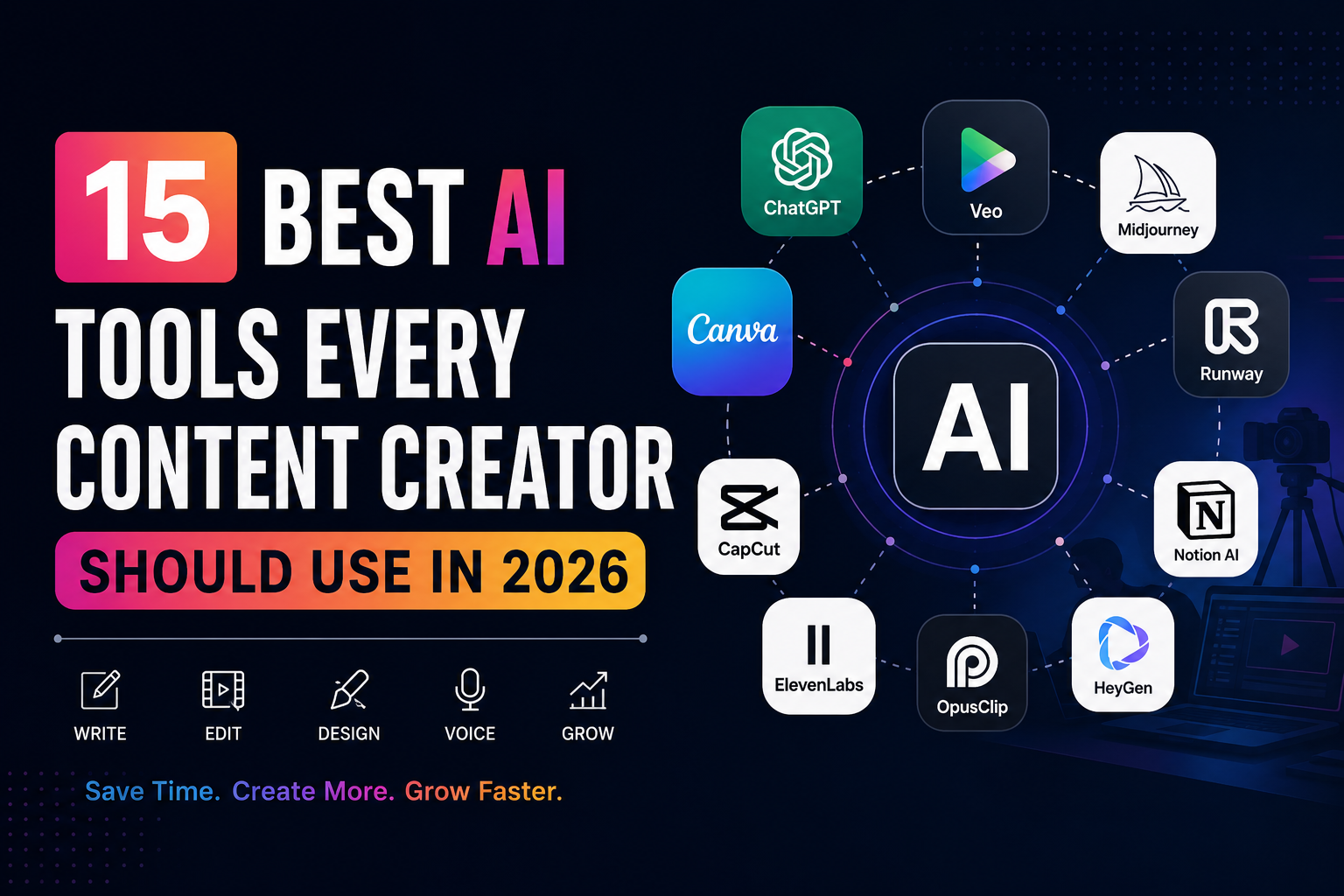
Published: July 8, 2026 | Last Updated: July 8, 2026 | Author: Influbuz Editorial Team | Reading Time: 12–15 Minutes
Choosing the right AI tools for content creators is the fastest way to level up your workflow in 2026. Creating high-quality content has never been more competitive. Whether you’re posting YouTube videos, Instagram Reels, TikTok clips, LinkedIn articles, blogs, newsletters, or podcasts, your audience expects professional-quality content delivered consistently.
Just a few years ago, creators often needed a writer, graphic designer, video editor, voice artist, and social media manager to keep up. Today, artificial intelligence is changing that reality.
Modern AI tools can help you:
- Write scripts in minutes
- Edit videos automatically
- Generate realistic images
- Create AI voiceovers
- Remove backgrounds instantly
- Design professional thumbnails
- Repurpose long videos into short-form clips
- Research trending topics
- Plan an entire month’s content calendar
Instead of replacing creativity, AI acts as a powerful assistant that handles repetitive work, allowing creators to focus on storytelling, audience engagement, and building their personal brand.
Whether you’re a beginner creator or managing multiple client accounts, the right AI toolkit can save hours every week while improving the quality of your content.
After testing dozens of platforms and evaluating them based on ease of use, features, pricing, and real-world creator workflows, we’ve selected the 15 best AI tools for content creators to use in 2026.
Table of Contents
- Why AI Is Essential for Content Creators
- Best AI Tools at a Glance
- The 15 Best AI Tools for Creators
- Best AI Stack for Different Types of Creators
- Comparison Table
- Frequently Asked Questions
- Final Verdict
Why Every Content Creator Needs AI in 2026
The creator economy continues to grow, but so does the competition. Millions of videos, images, and blog posts are published every day across YouTube, Instagram, TikTok, LinkedIn, and X.
Standing out requires more than creativity. It requires speed, consistency, and efficiency.
Artificial intelligence helps creators by reducing repetitive work without replacing human ideas.
Benefits of AI Tools for Content Creators
Save Time
Tasks that once took several hours—such as editing videos, writing captions, generating thumbnails, or creating voiceovers—can now be completed in minutes.
Produce More Content
Many successful creators publish daily. AI makes it easier to maintain a consistent publishing schedule by accelerating production.
Improve Content Quality
Modern AI tools can enhance grammar, remove background noise, improve image quality, generate cinematic visuals, and even suggest stronger headlines.
Reduce Production Costs
Solo creators no longer need to hire large production teams for every project. AI tools provide professional-grade capabilities at a fraction of the traditional cost.
Scale Across Multiple Platforms
One long YouTube video can quickly become:
- Instagram Reels
- TikTok videos
- LinkedIn posts
- Blog articles
- Email newsletters
- X threads
This allows creators to maximize the value of every piece of content they produce.
Quick Comparison
- Writing: ChatGPT
- Research: Perplexity AI
- Video Generation: Veo
- Video Editing: Runway
- Short Videos: OpusClip
- Voiceovers: ElevenLabs
- Images: Midjourney
- Graphic Design: Canva AI
- Presentations: Gamma
- Productivity: Notion AI
1. ChatGPT
Best For: Writing, brainstorming, scripting, planning, coding, and content strategy.
If there is one AI tool that almost every creator should have in their toolkit, it’s ChatGPT.
It acts like a writer, researcher, editor, strategist, coding assistant, and brainstorming partner—all in one. It remains one of the most versatile AI tools for content creators on this list.
Creators use ChatGPT to:
- Generate YouTube scripts
- Write Instagram captions
- Create blog articles
- Draft newsletters
- Brainstorm viral content ideas
- Develop marketing strategies
- Create podcast outlines
- Generate content calendars
- Write SEO-friendly articles
- Improve existing copy
One of ChatGPT’s biggest strengths is its flexibility. Whether you’re writing a short caption or a detailed 3,000-word article, it adapts to your workflow.
Pros
- Excellent writing quality
- Fast idea generation
- Supports multiple languages
- Great for SEO content
- Helpful for coding and automation
Cons
Output quality depends on prompt quality.
Human editing is still important for originality and brand voice.
Pricing
Free plan available
Paid plans unlock advanced models and higher usage limits.
Best For
- Bloggers
- YouTubers
- Freelancers
- Agencies
- Influencers
- Marketing teams
Influbuz Tip: Create reusable prompt templates for recurring tasks like video scripts, Instagram captions, and SEO articles. This saves even more time.
2. Google AI Studio
Best For: Advanced AI workflows, content planning, prototyping, coding assistance, and experimenting with Google’s latest AI models.
Google AI Studio has evolved into one of the most valuable free resources for creators who want access to powerful AI capabilities without a steep learning curve.
It provides access to Google’s latest Gemini models, making it useful for:
- Long-form writing
- Image understanding
- Prompt engineering
- Coding projects
- Research assistance
- AI-powered brainstorming
- Workflow automation
For creators building websites, apps, or interactive experiences, Google AI Studio also offers API access, making it a practical choice for developers and technically inclined marketers.
Pros
- Generous free tier
- Powerful Gemini models
- Supports multimodal inputs
- Ideal for experimentation
- Fast performance
Cons
Some advanced features have a learning curve.
Designed more for advanced users than casual creators.
Pricing
Free tier available
Usage-based pricing for advanced features.
Best For
- Developers
- AI enthusiasts
- Marketing professionals
- SaaS founders
- Technical creators
Influbuz Tip: Use Google AI Studio to build reusable content workflows, automate repetitive tasks, or test prompts before deploying them at scale.
3. Veo
Best For: AI-generated videos from text prompts.
Creating cinematic videos traditionally required expensive cameras, actors, locations, and post-production software. AI video generation is changing that.
Veo allows creators to describe a scene in natural language and generate high-quality videos with realistic motion, lighting, and camera movements.
Common use cases include:
- Product advertisements
- Brand storytelling
- Social media campaigns
- Animated explainers
- Short-form video concepts
- Creative visual storytelling
For creators who regularly produce visual content but have limited production resources, Veo can significantly speed up the ideation process.
Pros
- High-quality cinematic output
- Natural motion generation
- Realistic lighting
- Creative flexibility
Cons
Complex scenes may require multiple prompt refinements.
Availability and feature access may vary by region and subscription.
Pricing
Varies depending on access and usage.
Best For
- YouTubers
- Advertisers
- Creative agencies
- Filmmakers
- Social media creators
Influbuz Tip: Pair Veo with a traditional video editor to refine pacing, branding, and final polish before publishing.
4. Midjourney
Best For: AI-generated artwork, thumbnails, concept designs, and social media visuals.
Visual content often determines whether someone clicks on your post or scrolls past it. Midjourney has become a favorite among creators for producing striking, artistic images from simple text prompts. Among visual AI tools for content creators, Midjourney stands out for its distinctive style.
Popular use cases include:
- YouTube thumbnails
- Blog illustrations
- Instagram posts
- Brand concept art
- Product mockups
- Creative campaigns
Pros
- Exceptional artistic quality
- Detailed image generation
- Inspires creative concepts
- Strong community support
Cons
Prompt writing takes practice.
Some editing workflows require external software.
Pricing
Subscription-based with different usage tiers.
Best For
- Designers
- Influencers
- Bloggers
- Creative marketers
- Content agencies
Influbuz Tip: Develop a consistent prompt style to maintain a recognizable visual identity across your content.
5. Runway
Best For: AI-powered video editing and visual effects.
Editing is one of the most time-consuming stages of content production. Runway simplifies many repetitive editing tasks using AI.
Creators use Runway to:
- Remove backgrounds
- Erase unwanted objects
- Generate B-roll
- Improve footage
- Add visual effects
- Speed up editing workflows
Instead of spending hours on manual edits, creators can focus more on storytelling and audience engagement.
Pros
- Powerful AI editing features
- Beginner-friendly interface
- Professional-grade results
- Frequent feature updates
Cons
Advanced exports may require a paid plan.
Some AI-generated edits benefit from manual review.
Pricing
Free plan available with premium upgrades for additional features and higher usage.
Best For
- YouTubers
- Short-form video creators
- Marketing teams
- Video editors
- Agencies
Influbuz Tip: Combine Runway with OpusClip (covered later in this guide) to transform long-form videos into multiple short clips for social media with minimal effort. It’s a favorite among AI tools for content creators who edit video regularly.
Up Next
In the next section, we’ll explore tools for AI voiceovers, avatar creation, graphic design, podcast editing, research, productivity, presentations, and short-form video repurposing. We’ll also compare the tools side by side and recommend the best AI stack for YouTubers, influencers, bloggers, and freelancers. Bookmark this guide and explore more AI tools for content creators in our Tech section.